Gates that keep scanning when the signal drops
Door staff scan the ticket QR or key the MyKad number and get a green tick, the name and the age group. When the signal drops, scanners keep checking tickets on the device and upload when the network is back.
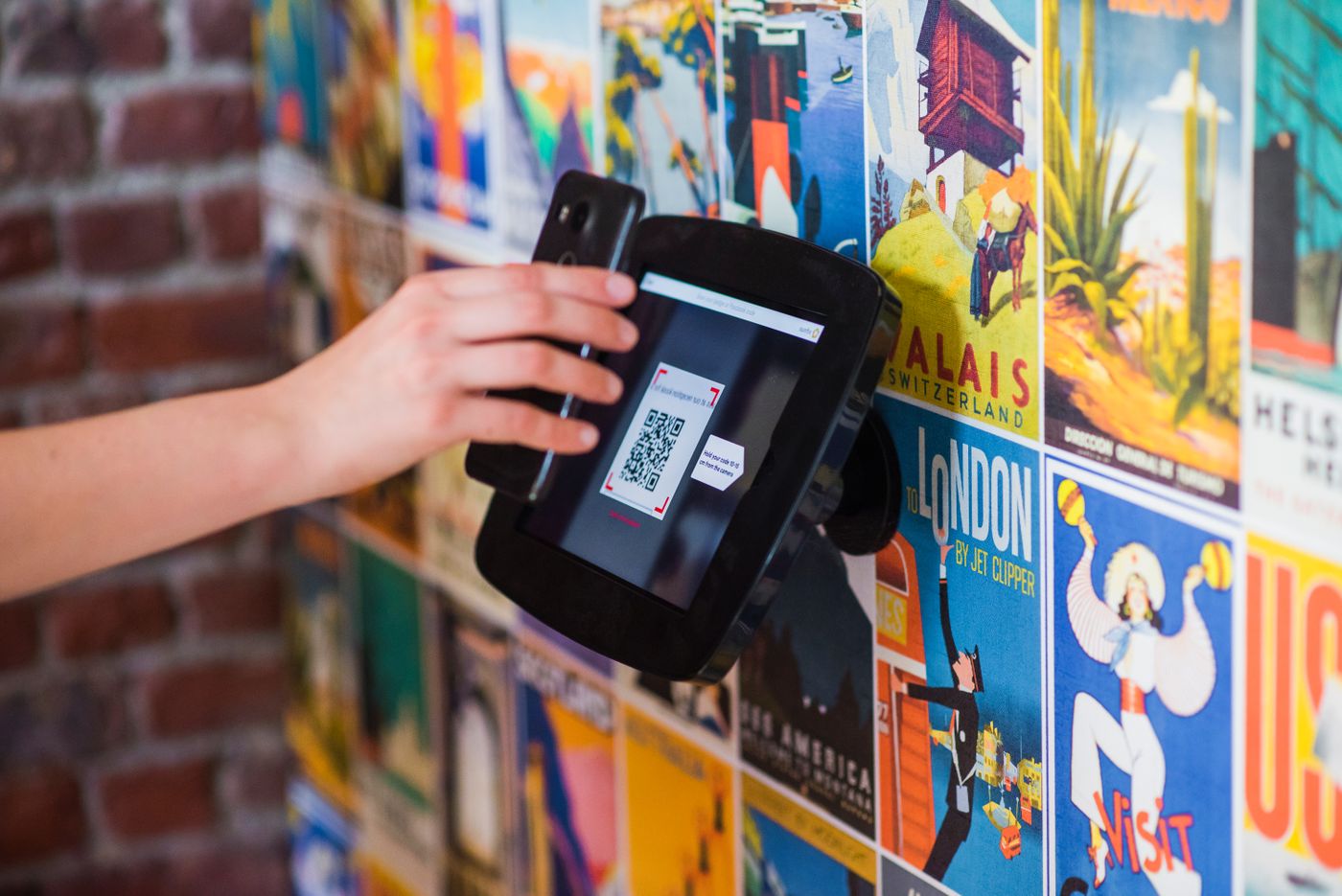
Scan and let in
A green tick, the name and the age group, then the next person. Door staff scan the ticket QR, or key the MyKad number, on the door staff app.
- A gate can be kept for one group, such as VIP guests
- Door staff scan at their assigned gates, with no access to attendee records
Offline at the gate
Scanners keep checking tickets on the device against the last ticket list and hold the scans. They upload when the network is back, and duplicate tickets are flagged on upload.
Walk-ins
Walk-ins register at the gate with MyKad, with consent read out and recorded. The record is saved on the phone until the signal returns.
Zones and sessions
Door scans at halls and zones record who joined which session, and how many people are inside each zone against its capacity.
Every gate, live
Entries by gate and by hour, each scanner's staff, battery and last sync, and the offline queue, on the event console.



See it on your own events
Send us the events you run in a year, the expected attendance and how booths work today. An engineer replies with a rollout plan, a device list and a proposal.